
Starting profile, not a black box
Parent-entered ratings create a structured starting point with explanations you can understand—not a secret professional evaluation.
How it works
A structured path for families: tell us about the player, see what matters next, and train with a plan that stays visible in the member hub.
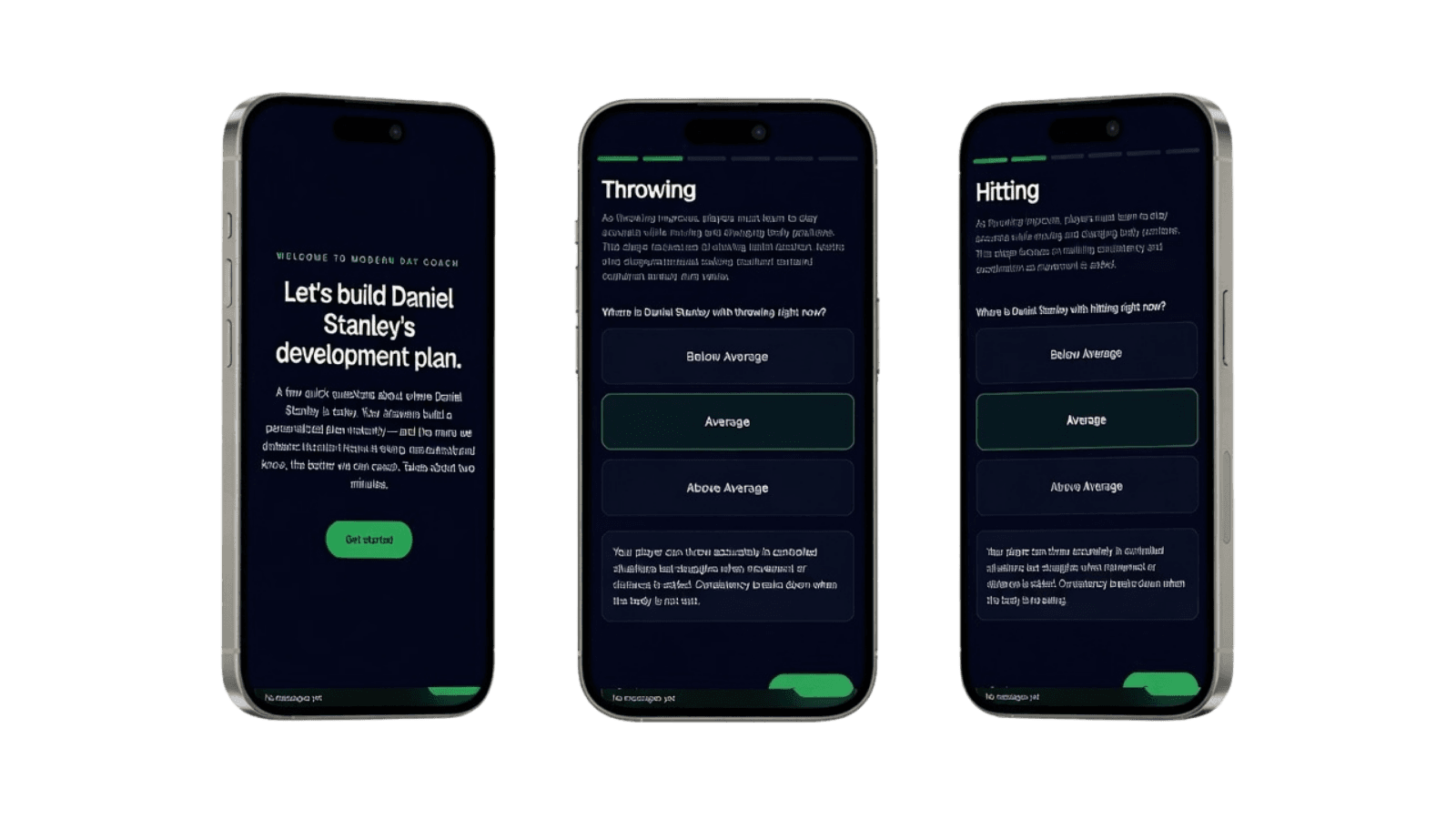
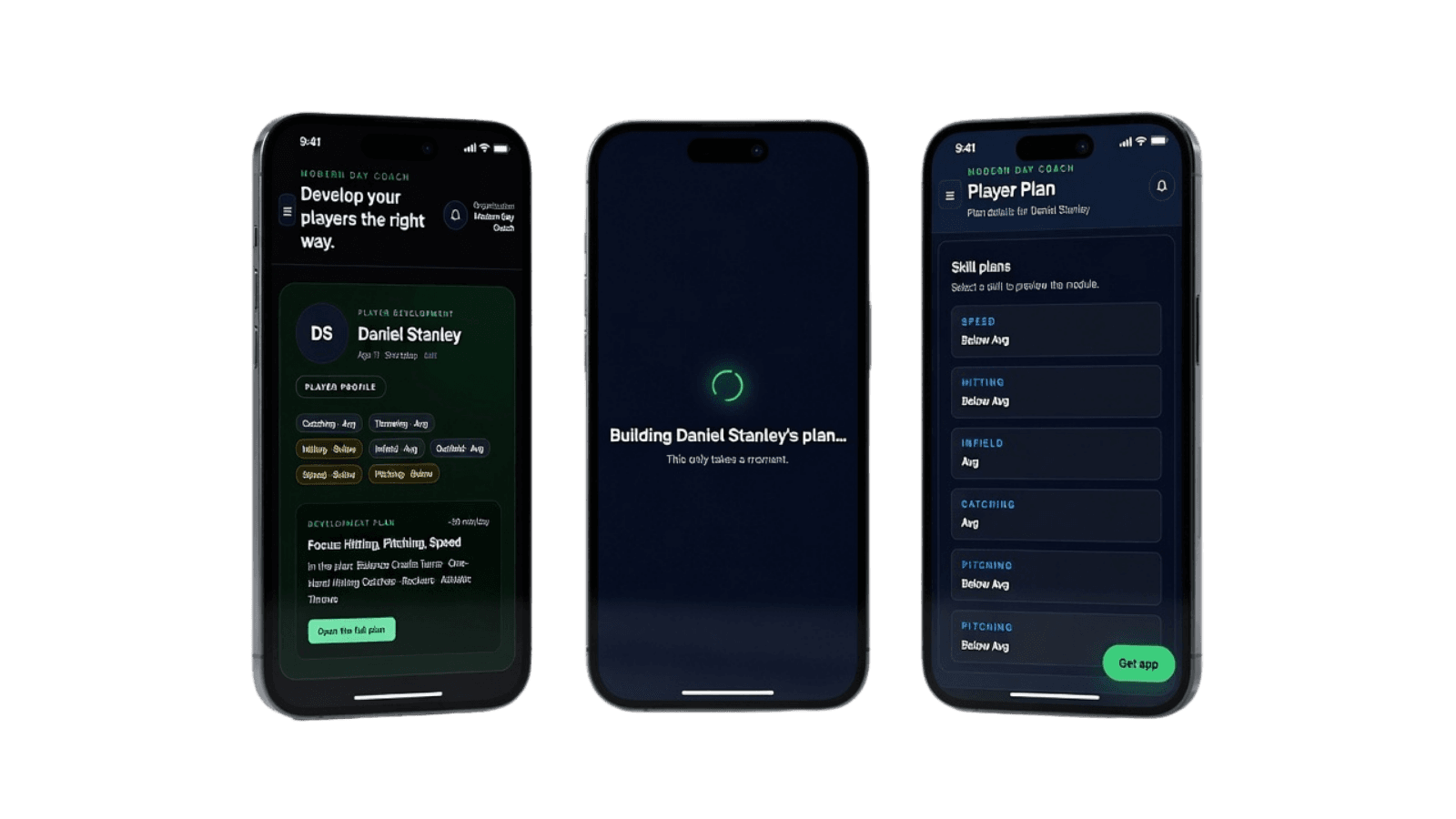
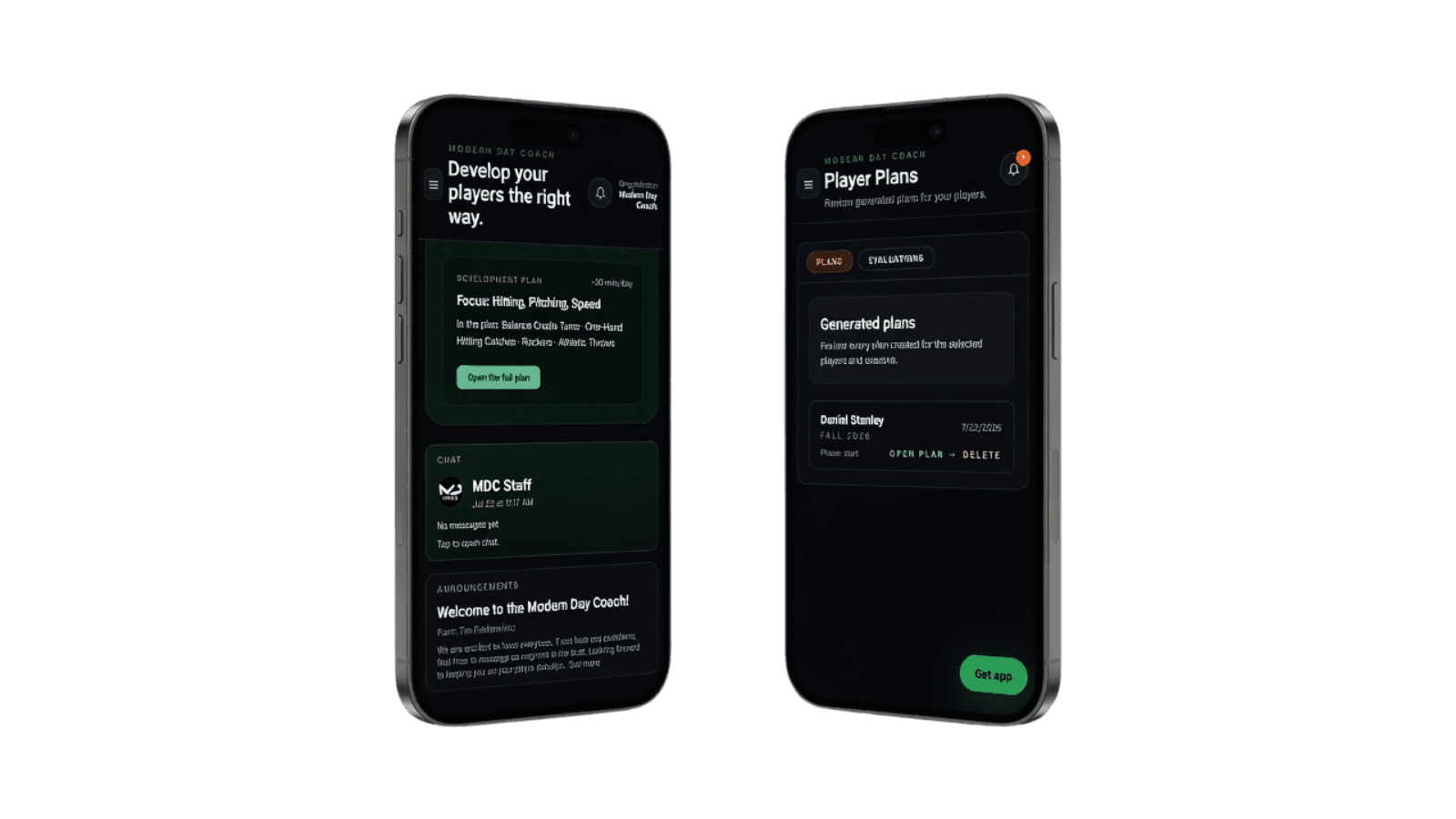
Three steps: tell us about the player, see what matters next, train with direction. Here's what each one looks like inside the platform.
Product sneak peek
A short tour of the live platform—from setup through the plan and ongoing support. Screens use demo data for illustration.
Desktop
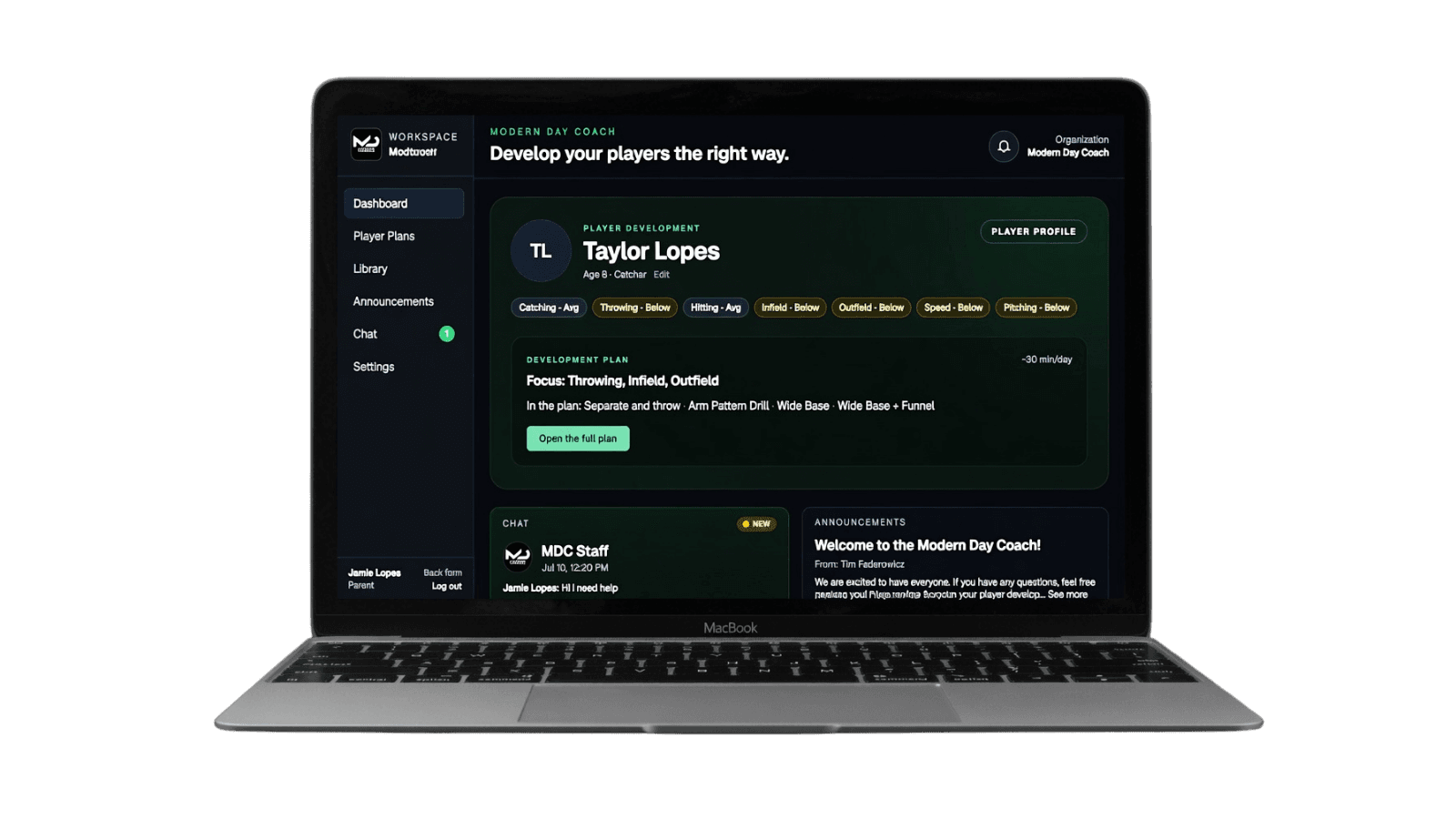
Player profile, development plan, chat, and announcements live in one workspace powered by UniteHQ.
What to expect
Parent-entered ratings create a structured starting point with explanations you can understand—not a secret professional evaluation.
The member experience works in a mobile-friendly web platform powered by UniteHQ. Native apps will be announced only when available.